SageNova LMS: User Manual
Introduction
SageNova LMS is a web-based Learning Management System (LMS) that helps schools manage day-to-day learning activities, users, classes, and lectures in one place. After activating their account, each user — whether administrator, teacher, student, or guardian — can log in and access the tools relevant to their role.
The platform is organized around these areas:
- Announcements — Post and manage school-wide, class, or lecture announcements. Recipients are notified by email, and announcements can be targeted to specific audiences such as guardians or all attendants.
- Study Material — Upload and organize study material for lectures. Material is visible to the lecture's students and can be filtered, and bookmarked for easier access.
- Exam Questions and Test Banks — Build reusable question banks from a variety of question types using the question builder. Questions are grouped by subject in Test Banks, and reused across multiple challenges, making it easy to assemble homework and exam sets without starting from scratch each time.
- Challenges — Create homework, exams, pop-quizzes, or practice problem sets from a question bank. Challenges are published to lectures, and submissions are collected and tracked through the platform.
- Grades — Grade submissions manually or through the grader, register manual grade entries, and release grade reports to students. Teaching assistants can assist with grading, but only teachers can release grades.
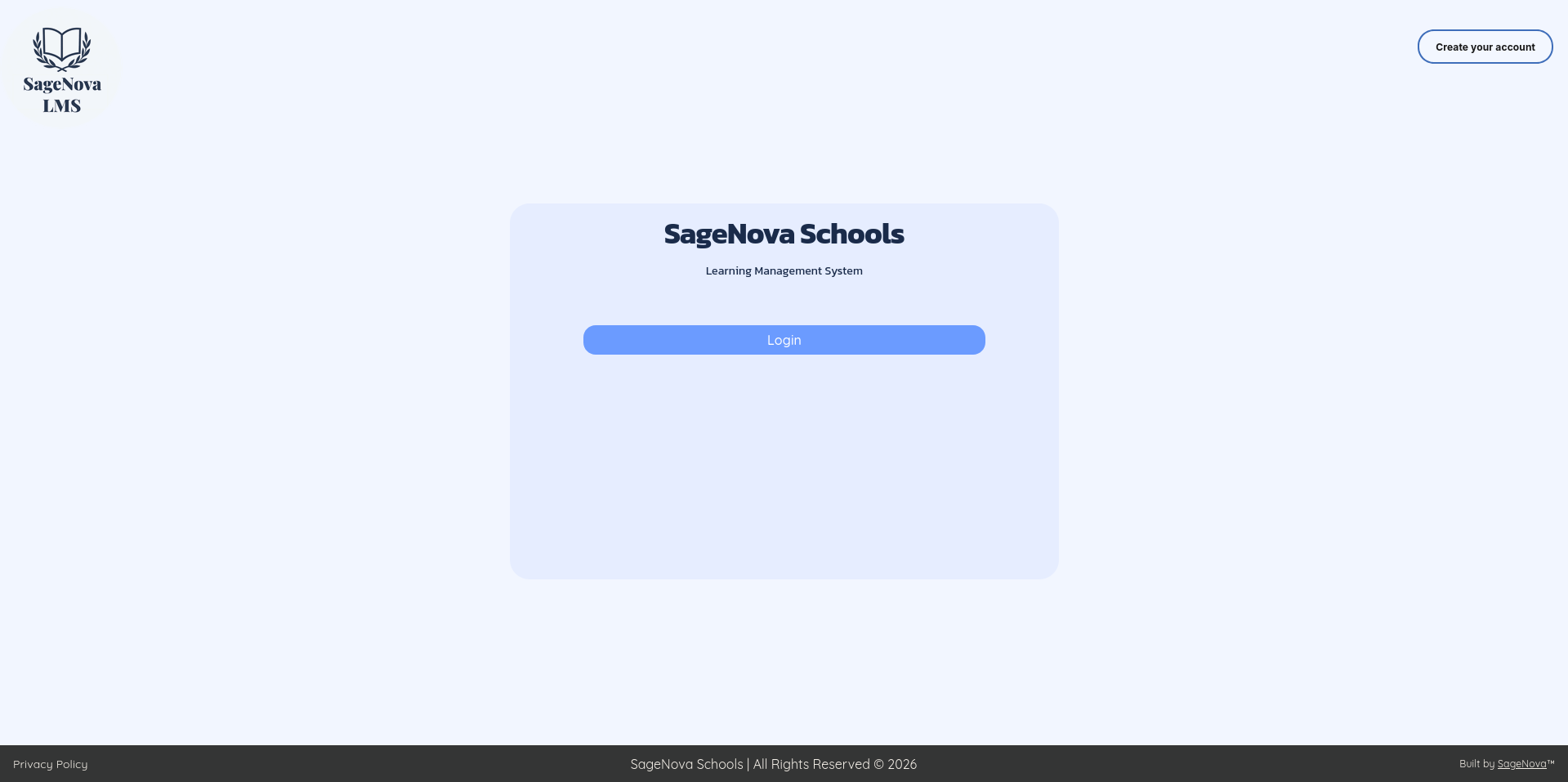
Exhibit 1.1: The main page for SageNova LMS
Get Started
New to SageNova LMS? Start here to understand the platform's core concepts and get a general idea of what you'll use across the LMS.
Tutorials
A guided tour of classes, lectures, test banks, challenges, grading, and the chronology feed.
What teachers can view and edit for subjects, classes, and lectures.
Share documents, links, and notes with a lecture's students.
Assemble questions from a test bank and publish an assessment to students.
Announcement & Study Material
Keep your classes informed and equipped. These guides cover posting announcements to classes and lectures, sharing study material, and organizing content so students can find what they need quickly.
Tutorials
Notify students and guardians about news, reminders, or updates.
Share documents, links, and notes with a lecture's students.
Save cards for quick access or move them out of the main feed.
Create and apply tags to filter announcements, material, and challenges.
Challenges & Grades
Get into advanced topics and utilize the true power of the platform. Build assessments from question banks, publish them to classes, then grade submissions and release results. These tutorials and references walk you through the full challenge and grade lifecycle.
Tutorials
Build a reusable collection of questions for a subject.
Assemble questions from a test bank and publish an assessment to students.
Review submissions, adjust scores, and release grade reports.
Record scores for activities completed outside SageNova LMS.
 References
Complete guide to every question type, scoring, and grading options.
Detailed reference for every challenge setting and preset.
How the three submission-list statuses work and combine.